

In this guide, you’ll learn why a UPS can be an important part of a day trader’s backup plan, how long battery backup may last, what equipment should and should not be connected, and how to size a unit for your setup. I’ll also compare the best Uninterruptible Power Supply (UPS) for day trading, including their key specs, pros, cons, and which type of trader each one may suit best.

Power outages are inconvenient for almost everyone, but for an active day trader, losing power at the wrong moment can have serious financial consequences.
Let’s imagine a hypothetical situation where you just placed a $5,000 post-earnings momentum trade.
At first the trade goes in your favor… But then, the trade starts going against you… you’re now down -1%… then -2%… and then suddenly, the power goes out…
When you have thousands of dollars exposed to the market, suddenly losing your computer, monitors, and internet connection could prevent you from managing an open position.
An uninterruptible power supply (UPS) provides temporary battery power that can keep essential equipment running long enough to react.
And that’s exactly why, for day traders, I consider a UPS another basic piece of risk-management equipment.
Quick Answer: What Is a UPS?
A UPS, or uninterruptible power supply, is essentially a battery backup that sits between your electrical outlet and your computer equipment. When household power is available, the UPS powers connected equipment while keeping its internal battery charged. If the power suddenly goes out, it automatically switches connected devices to battery power.
For a trader, you don’t necessarily need hours of backup power. Even several minutes could be enough to assess your positions, close a trade, adjust an order, or safely shut everything down.
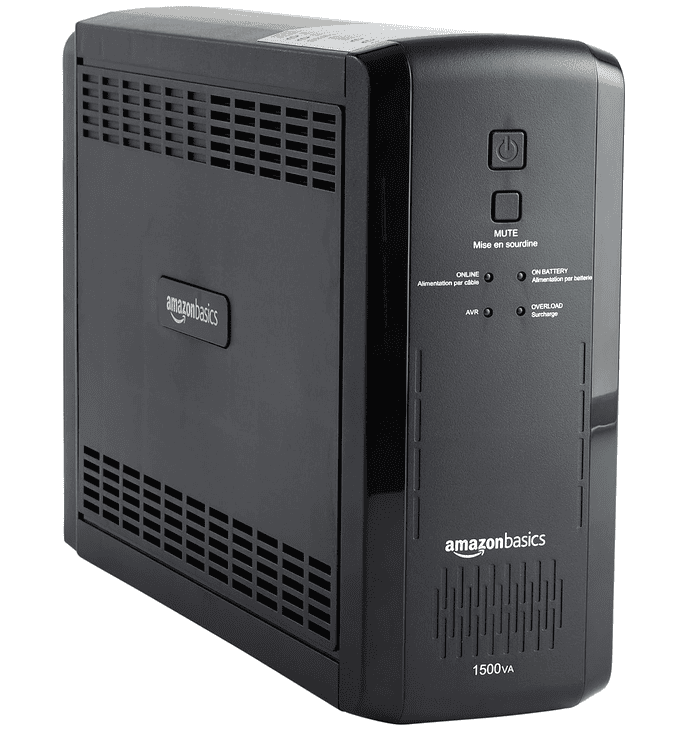
The budget-friendly choice for traders who want basic backup protection without spending much.
View on Amazon
A mid-range option for traders willing to spend more on a dedicated UPS from a major power-protection brand.
View on Amazon
The higher-priced option for traders looking to invest more heavily in backup power for their setup.
View on AmazonWhy Is a UPS Important for Day Trading?
Imagine you have a $5,000 momentum position open shortly after an earnings announcement, with a mental stop loss set at -5%.
Under normal circumstances, that means you are expecting to risk about $250 on the trade if it moves against you. The caveat of a mental stop loss, however, is that you need to be available to watch it.
Now imagine the power suddenly goes out before you can exit.
Your desktop shuts down, your monitors go black, and your modem and router lose power at the same time. If the stock continues falling while you are offline, an expected -$250 loss can quickly become much larger.
Another 5% move lower would turn that into roughly a -$500 loss, while another 10% beyond that could leave you down around -$750 or more.
That is a meaningful difference, especially when a basic UPS often costs somewhere in the range of $100 to $250.
A UPS can keep essential trading equipment powered long enough to manage the position, close the trade, reconnect through backup internet, or safely shut down your system.
In that context, the cost of a UPS can look very small compared with the potential cost of losing control of a fast-moving trade.
A UPS obviously cannot prevent normal trading losses, bad entries, or slippage during volatile conditions.
What it can do is reduce the chance that an unrelated power outage turns a controlled loss into a much larger one. For an active day trader, that makes backup power a practical part of operational risk management, not just a convenience.
Your Internet Equipment Needs Backup Power Too
One mistake traders can make is connecting their computer to a UPS but forgetting about their network equipment.
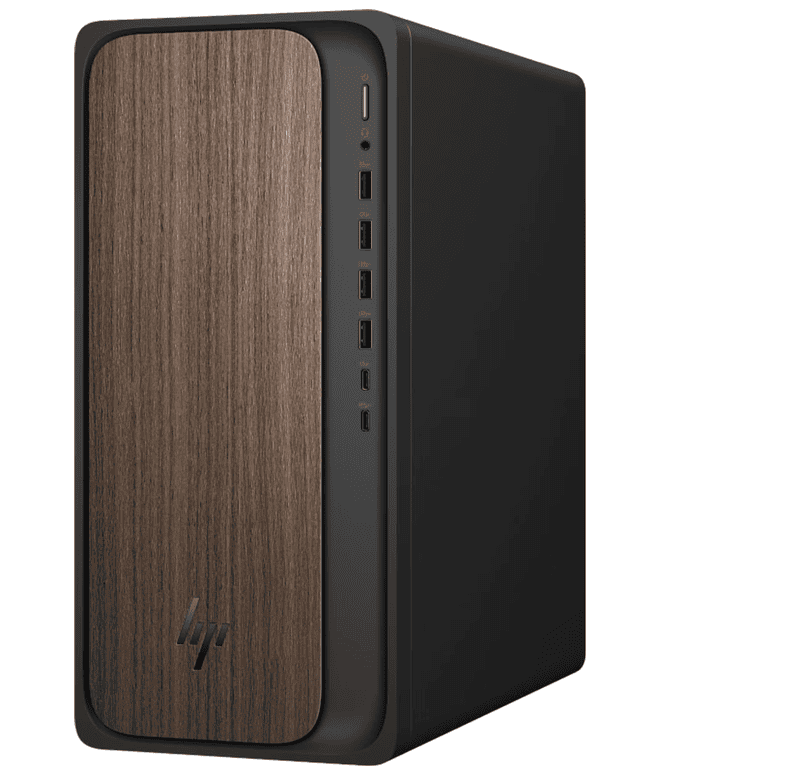
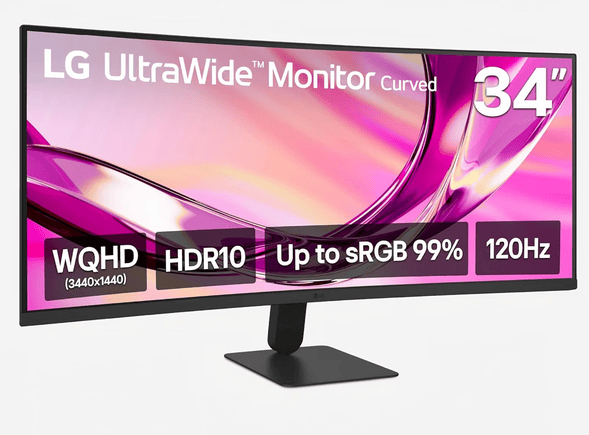
If your desktop remains powered but your modem and router immediately shut off during an outage, you’ve solved only half the problem. You’ll also want to have your monitors, Wi-Fi router, modem, and other desktop peripherals connected to a quality UPS.
Keeping the load relatively small can also increase the amount of time the UPS can operate on battery power.
You probably don’t need every monitor, speaker, printer, phone charger, and accessory attached to battery-backed outlets.
The goal is simply to maintain a minimum viable trading setup long enough to respond.
Pro Tip – A UPS Does Not Guarantee Internet Access
There is another important limitation to consider for active traders.
Keeping your modem and router powered does not guarantee your internet provider will remain online during a widespread outage. Equipment elsewhere in your ISP’s network can also lose power.
That’s why I think serious traders should consider having a second layer of redundancy available, such as a smartphone hotspot.
That creates two layers of protection against one of the worst situations for an active trader: suddenly becoming disconnected from the market while holding an open position.
Laptop Traders Already Have One Advantage
If you trade primarily from a laptop, you already have a built-in battery backup for your computer.
That doesn’t make a UPS completely unnecessary.
Your external monitors, modem, router, docking station, and other trading equipment may still shut down during an outage. However, a charged trading laptop combined with a smartphone hotspot can provide an excellent emergency trading setup.
Desktop traders have considerably more reason to consider a UPS because the computer itself will normally shut down the instant household power disappears.

Best Uninterruptible Power Supply (UPS) for Day Trading
The best UPS for day trading depends heavily on the equipment you need to keep running.
Before choosing one, add up the power requirements of your desktop, monitor, modem, router, and any other essential devices, then make sure the UPS has enough wattage and battery capacity to support that load.
Amazon Basics 1500VA UPS – Best Budget Option

The Amazon Basics UPS is the most affordable of the three options at $119.
This makes it an attractive choice for traders who mainly want enough backup power to keep a desktop, monitor, and networking equipment alive during a short outage.
The Amazon Basics ABMT1500 is rated for 1,500VA / 900W and uses a simulated sine-wave output.
Its published runtime is approximately 10 minutes at a 450W half load and about 1.5 minutes at its full 900W load, so actual runtime will depend heavily on how much equipment you connect.
Overall, I’d absolutely rate this as the best option for new day traders. The Amazon Basics UPS offers the best balance between affordability and reliable back-up power, which is exactly what you want when getting set up for day trading.
• 900W capacity suits many desktop trading setups
• Good option for short outages and controlled shutdowns
• Runtime drops quickly under heavier loads
• Fewer premium monitoring features than higher-end units
CyberPower UPS – Best Premium Option

At $239.95, the CyberPower is the most expensive option in this group.
And for that reason, I believe it’s better suited for day traders who want to spend more for a more substantial backup-power setup.
CyberPower’s line-interactive desktop UPS systems typically include features such as automatic voltage regulation (AVR), which can correct certain voltage fluctuations without immediately switching to battery power.
Some CyberPower models also include an LCD that displays information such as load, battery status, and estimated runtime. The brand’s comparable desktop units range from roughly 1,000VA to 1,500VA depending on the exact model.
The CyberPower UPS is my overall best pick for day traders because it offers the strongest balance of backup capacity, power-management features, and monitoring for traders running a more demanding desktop setup.
The downside is that it costs more than the budget options, but the added protection and flexibility can make sense if you want a more robust UPS for your primary trading station.
• Useful status monitoring on compatible CyberPower units
• Better suited to larger desktops and multi-device setups
• Extra capacity may be unnecessary for lightweight setups
• Larger UPS units can take up more desk or floor space
APC by Schneider Electric UPS – Best Mid-Range Option

At $189.99, the APC by Schneider Electric UPS sits between the Amazon Basics and CyberPower models in price.
APC specializes heavily in power protection and offers a large range of Back-UPS models designed for desktop computers, networking hardware, and home-office and trading equipment.
Depending on the exact Back-UPS model, APC units in this range commonly combine battery-backed outlets, surge protection, audible alarms, and USB connectivity or charging.
APC also offers user-replaceable batteries on many of its larger models, which can make it easier to extend the useful life of the UPS instead of replacing the entire device when the battery eventually wears out.
• Good balance between price and features
• Many APC units support replaceable batteries and monitoring
• Exact runtime and wattage vary significantly by model
• Buyers need to confirm compatibility with their specific setup
Final Thoughts – The Importance Of Uninterruptible Power Supplies for Day Trading
Day traders spend a lot of time managing market risk through planned entries, stop losses, position sizing, volatility, and technical levels, but operational risk matters too.
Your trading strategy cannot help much if a power outage suddenly cuts off your computer, monitors, and internet connection while you have an open position.
A UPS will not prevent every possible failure, but it can remove one unnecessary point of risk by keeping essential equipment running long enough to manage a trade or shut down safely.
The budget-friendly choice for traders who want basic backup protection without spending much.
View on Amazon
A mid-range option for traders willing to spend more on a dedicated UPS from a major power-protection brand.
View on Amazon
The higher-priced option for traders looking to invest more heavily in backup power for their setup.
View on AmazonThat said, don’t forget to keep it charged, test it periodically, and replace aging batteries when needed.
Hopefully, you never truly need it.
But when it comes to day trading, having a UPS sitting under your desk and never using it is much better than discovering why you needed one after your screens have already gone black.


Leave a Reply